React Native · Expo · TypeScript · Android · Product Development
From an everyday planning problem to a published Android app.
Meal Mastery brings weekly meal planning, pantry management, recipes, and grocery shopping into one mobile experience. I independently designed, developed, tested, and published the app on Google Play.
The challenge
Meal planning often means switching between recipes, pantry notes, calendars, and grocery lists. It is easy to forget what is already in the kitchen, repeat the same meals, or buy unnecessary ingredients. I wanted to simplify that workflow with one practical tool.
The solution
Meal Mastery combines a weekly planner for breakfast, lunch, dinner, snacks, and desserts with pantry inventory, recipe access, smart meal suggestions, favorites, and a categorized shopping list. Pantry-aware generation helps users plan around ingredients they already have, while shopping-list organization makes preparation easier.
Inside the app
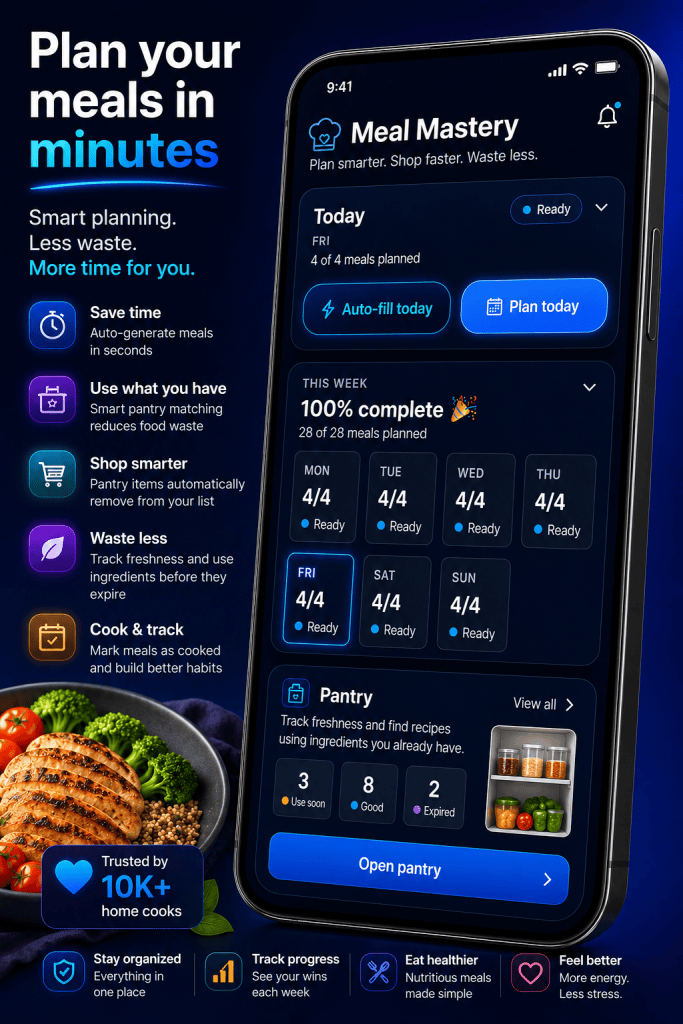
Feature showcase
These promotional app mockups illustrate the product experience and key workflows. The visuals are marketing compositions rather than independent evidence of usage or adoption.
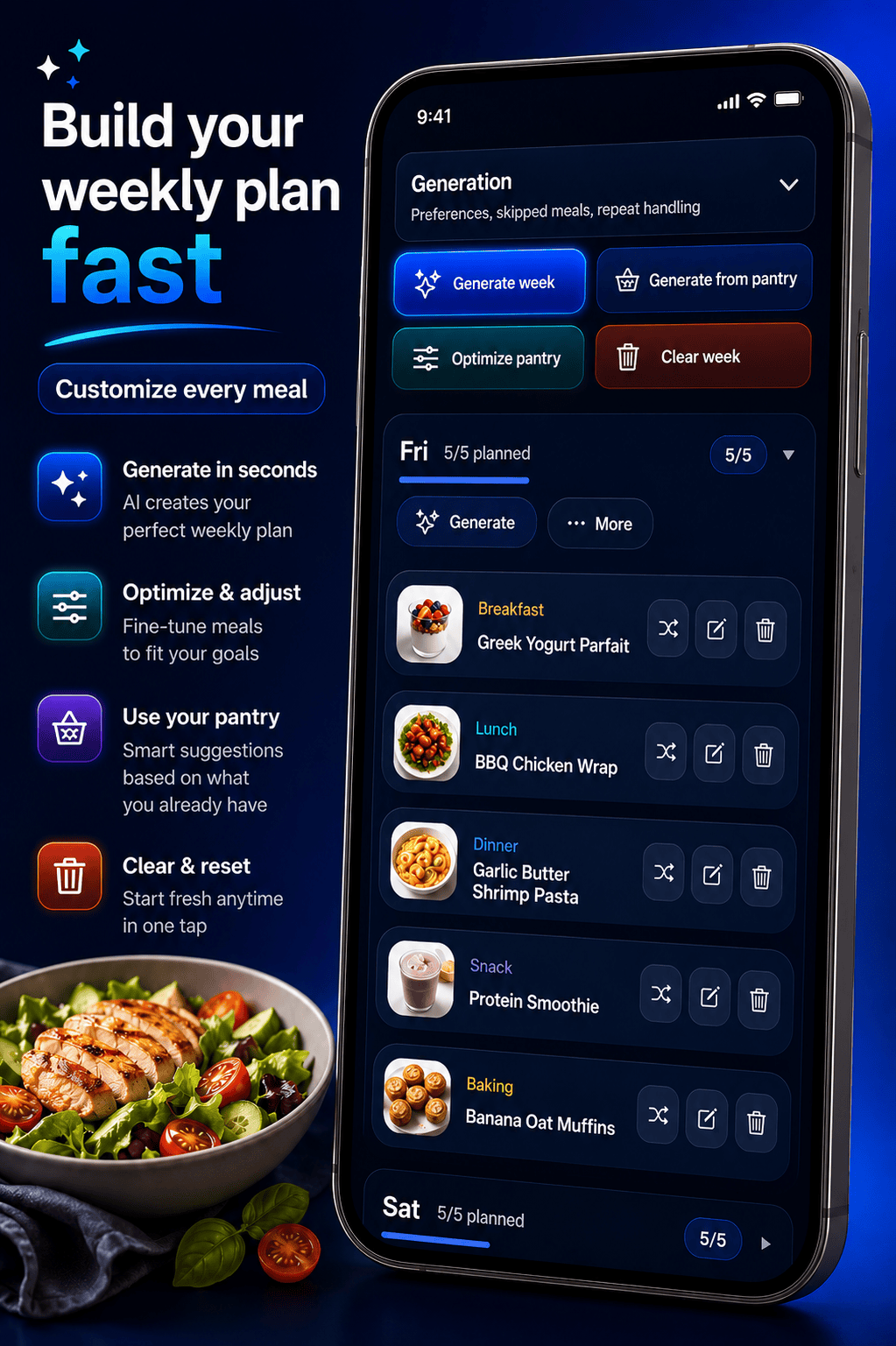
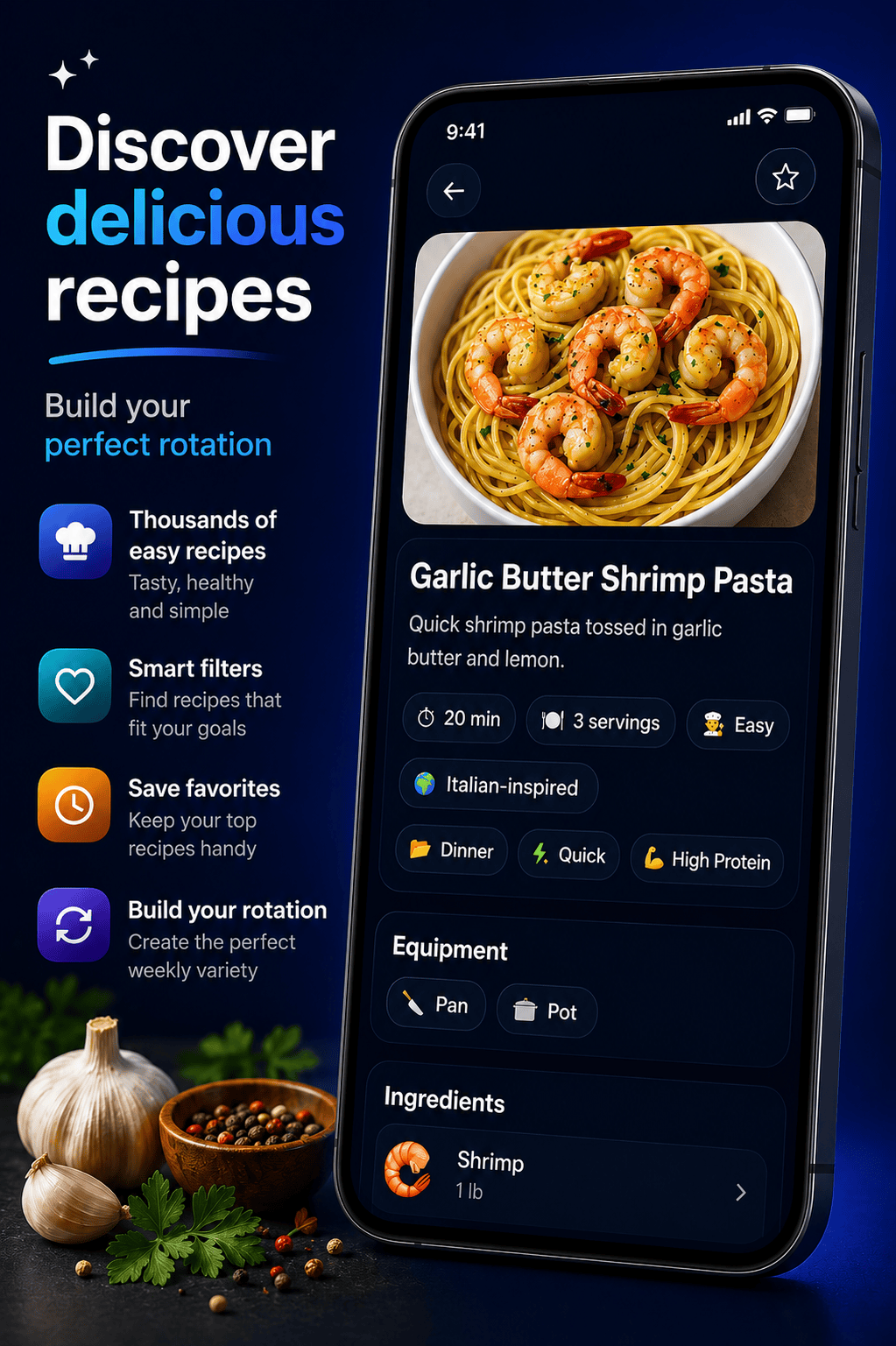
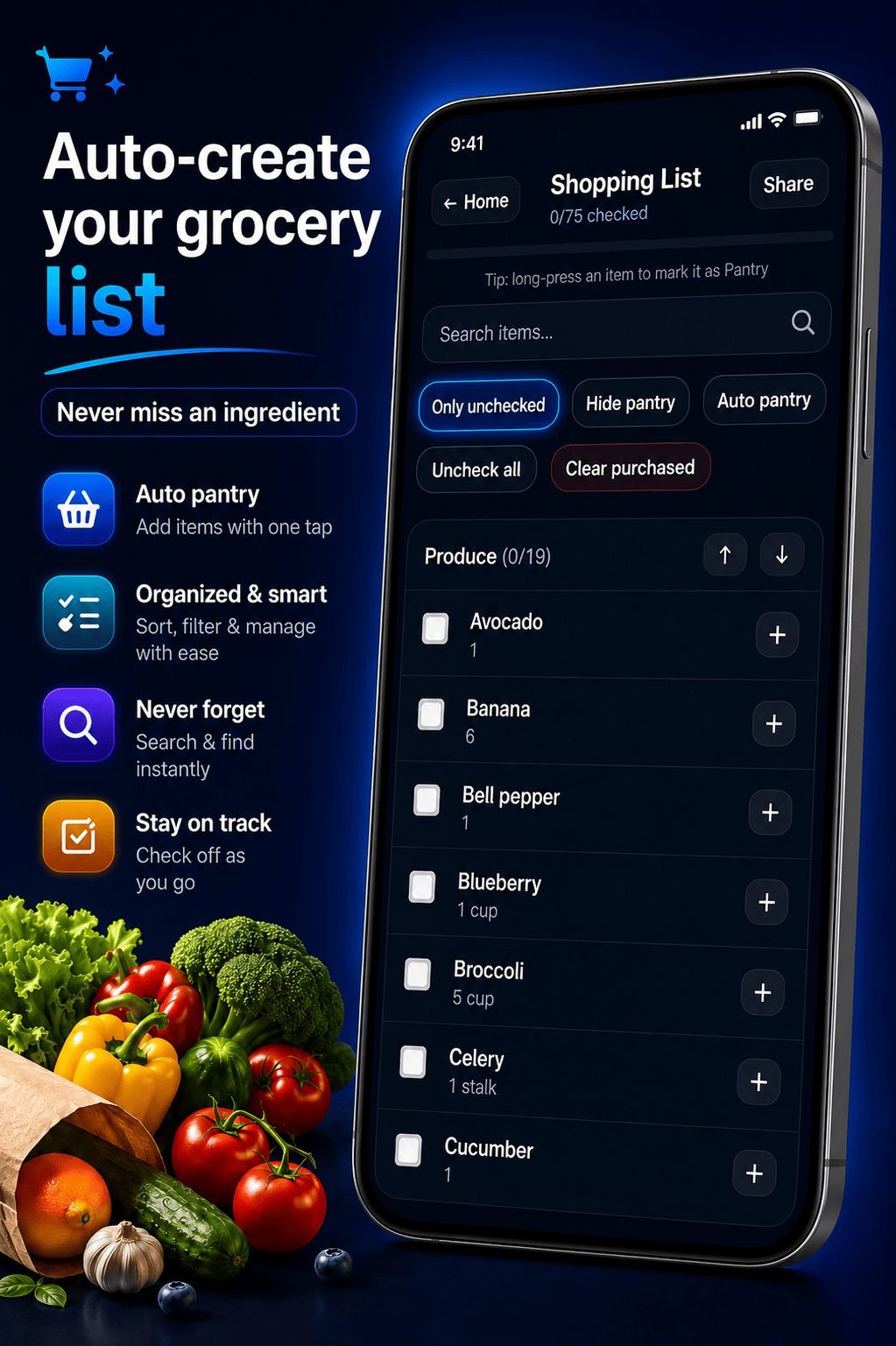
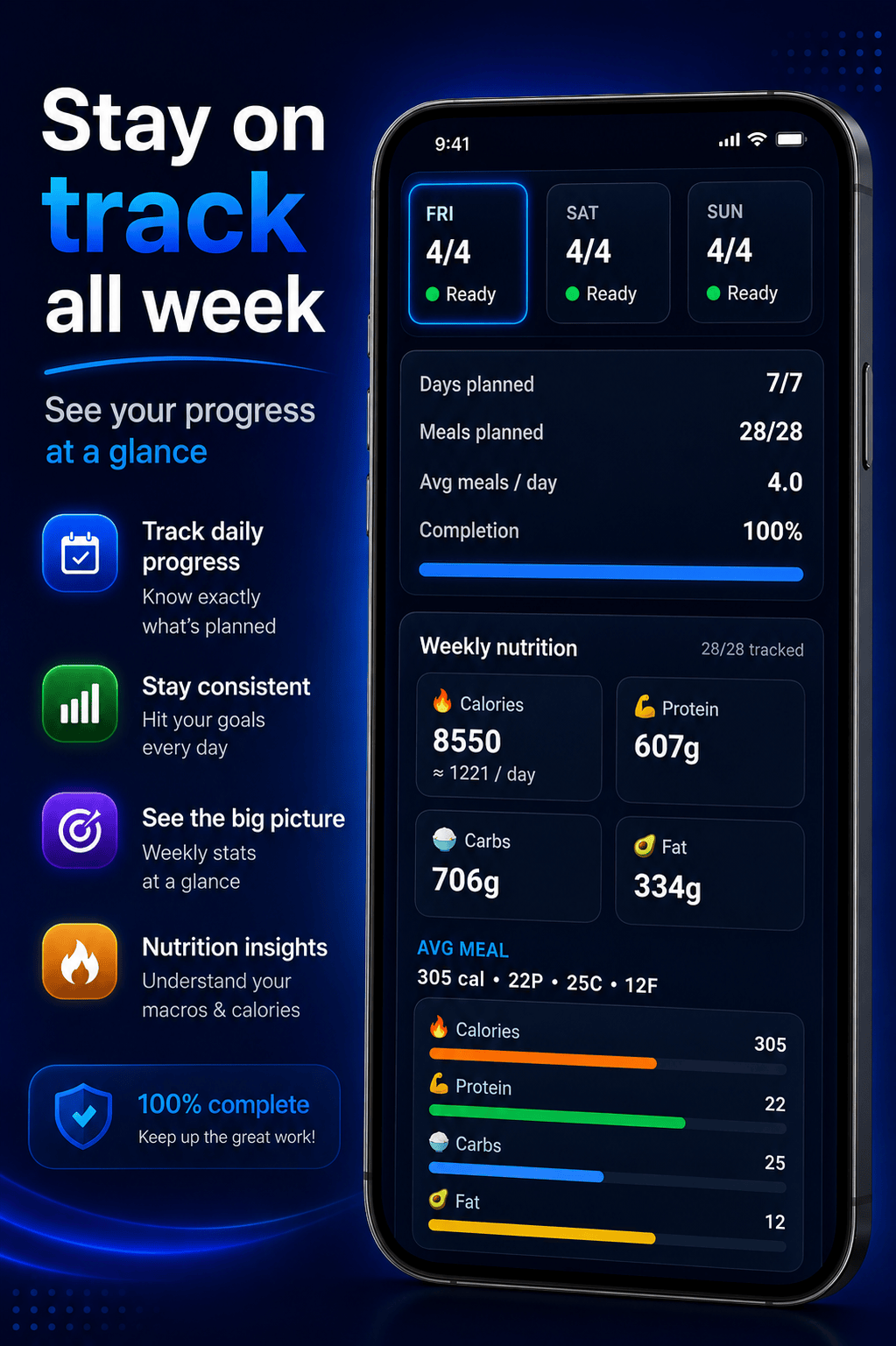
Product features
Weekly planning: Organize meals across the week, copy or clear days, and automatically fill plans with suggestions.
Pantry-aware suggestions: Track ingredients, amounts, and best-before dates, then use pantry contents to inform meal generation.
Recipes and cooking: Browse recipes, save favorites, and follow a focused cooking workflow.
Shopping lists: Build categorized lists from planned meals, reorder items, and track shopping progress.
Engineering approach
I built the mobile application with React Native, Expo, and TypeScript, using a shared codebase for the Android experience. The project required coordinating multiple related user workflows: planned meals influence shopping needs, pantry inventory informs suggestions, and recipe details support cooking. I iterated on the product through testing and feedback rather than treating the first implementation as finished.
Shipping and iteration
Meal Mastery was released publicly on Google Play. Early testing included more than 50 testers, and the app reached more than 50 downloads and received three five-star reviews as reported during its initial release period. These are early adoption indicators, not claims of large-scale commercial traction.
What I learned
Building and shipping Meal Mastery expanded my experience beyond internal tooling into product design, mobile development, release preparation, tester feedback, and ongoing iteration. It reinforced the importance of making features work together as a coherent experience rather than delivering disconnected capabilities.
Next steps
Continue improving the planning experience, validate suggestions with more varied pantry data, refine usability, and prioritize enhancements based on user feedback.

